ImpactResponse in MapBrowser
Overview
Nearmap captures aerial imagery of disasters within 24–72 hours of impact. That data is accessed through MapBrowser, a web-based map viewer. The capture was fast — but the tool wasn't keeping up. I redesigned how users find events, navigate captures, and assess damage.

Who this is for

Insurance Adjusters
Per-property. Find the address, see the damage, next claim. Dozens to hundreds of claims under time pressure.
FEMA & Local Government
Per-region. Understand scope, compile reports, allocate funding. May not be frequent users of the tool.
The problems with the current design
No way to find events
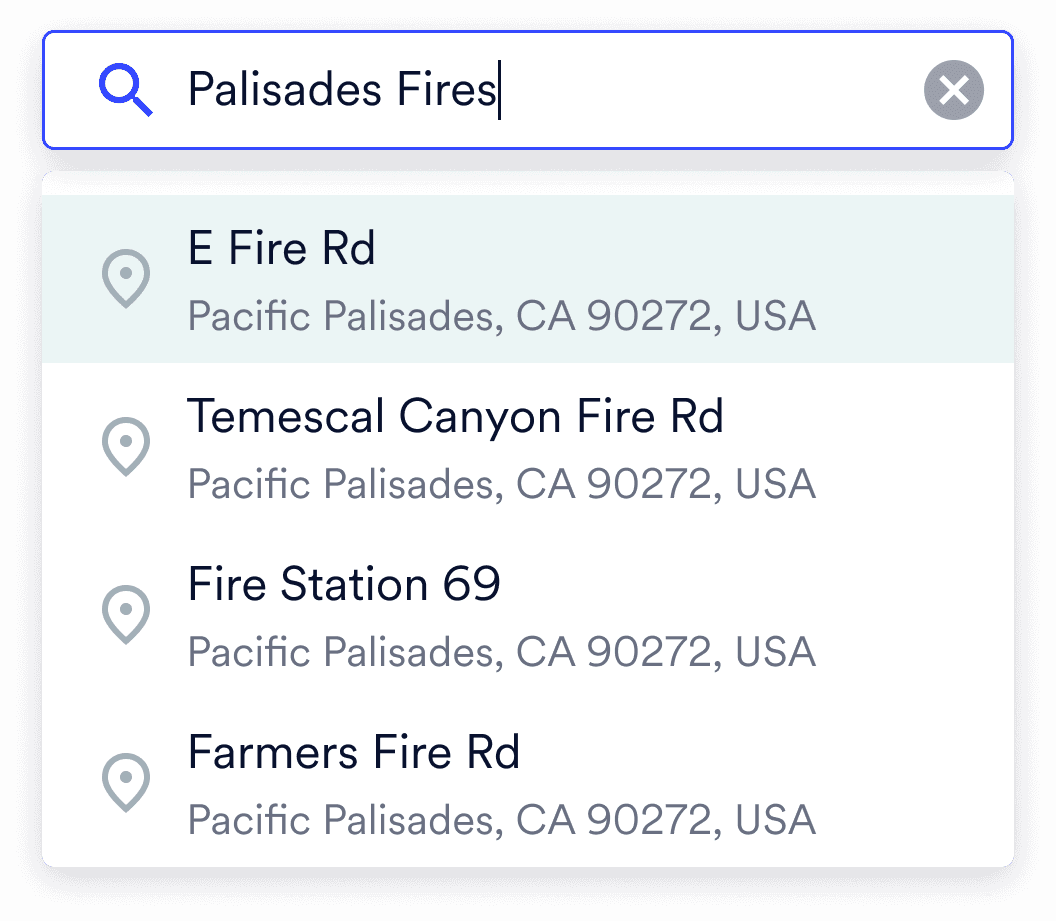
Can't find events: No way to search or browse disaster events. Users had to manually drag the map and scroll through a timeline of captures hoping to find the right one.
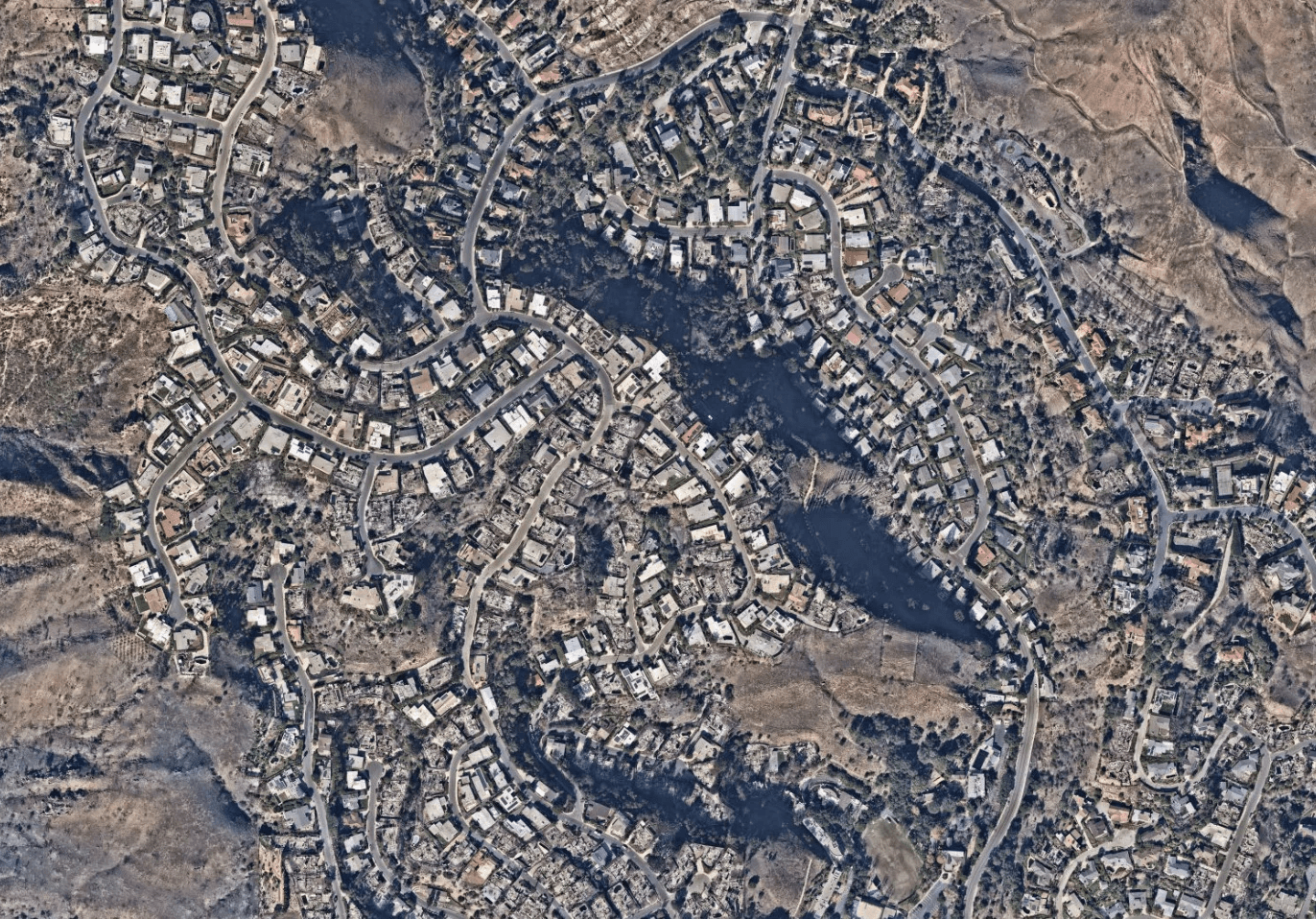
Manual damage assessment: Users assessed damage by staring at raw imagery. Slow, inconsistent, and impossible at scale, while AI classification data existed in the system but wasn't surfaced.
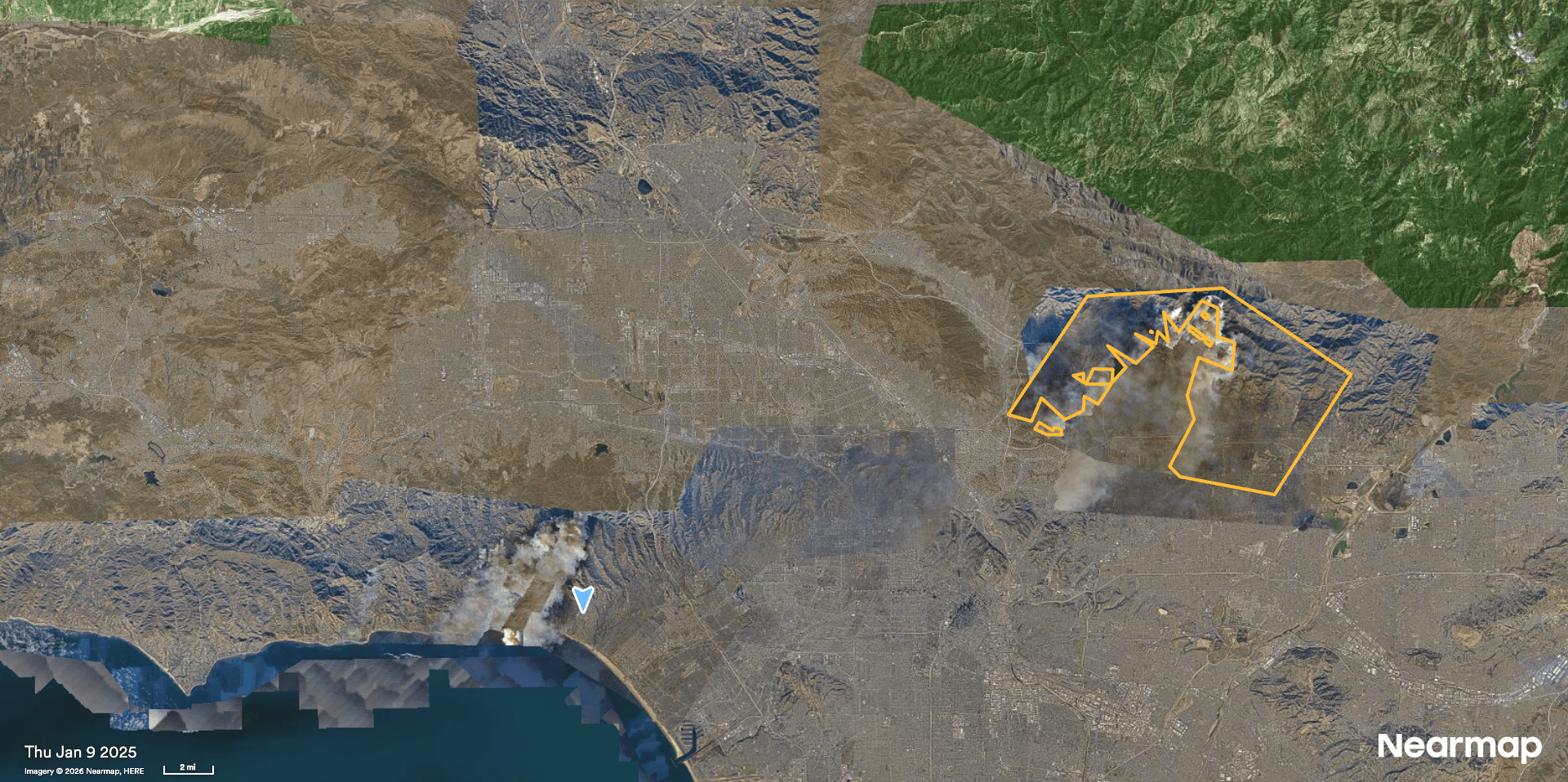
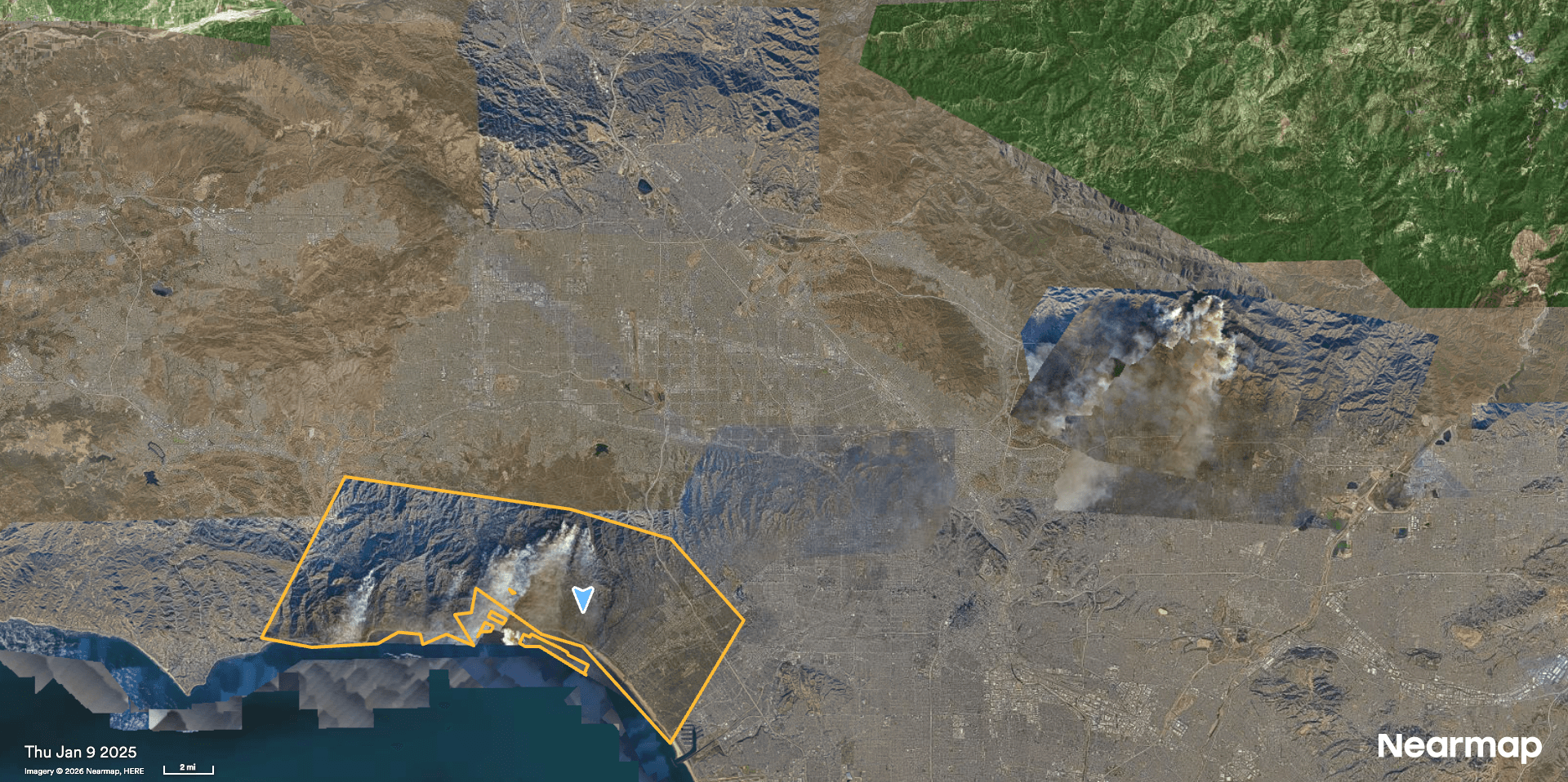
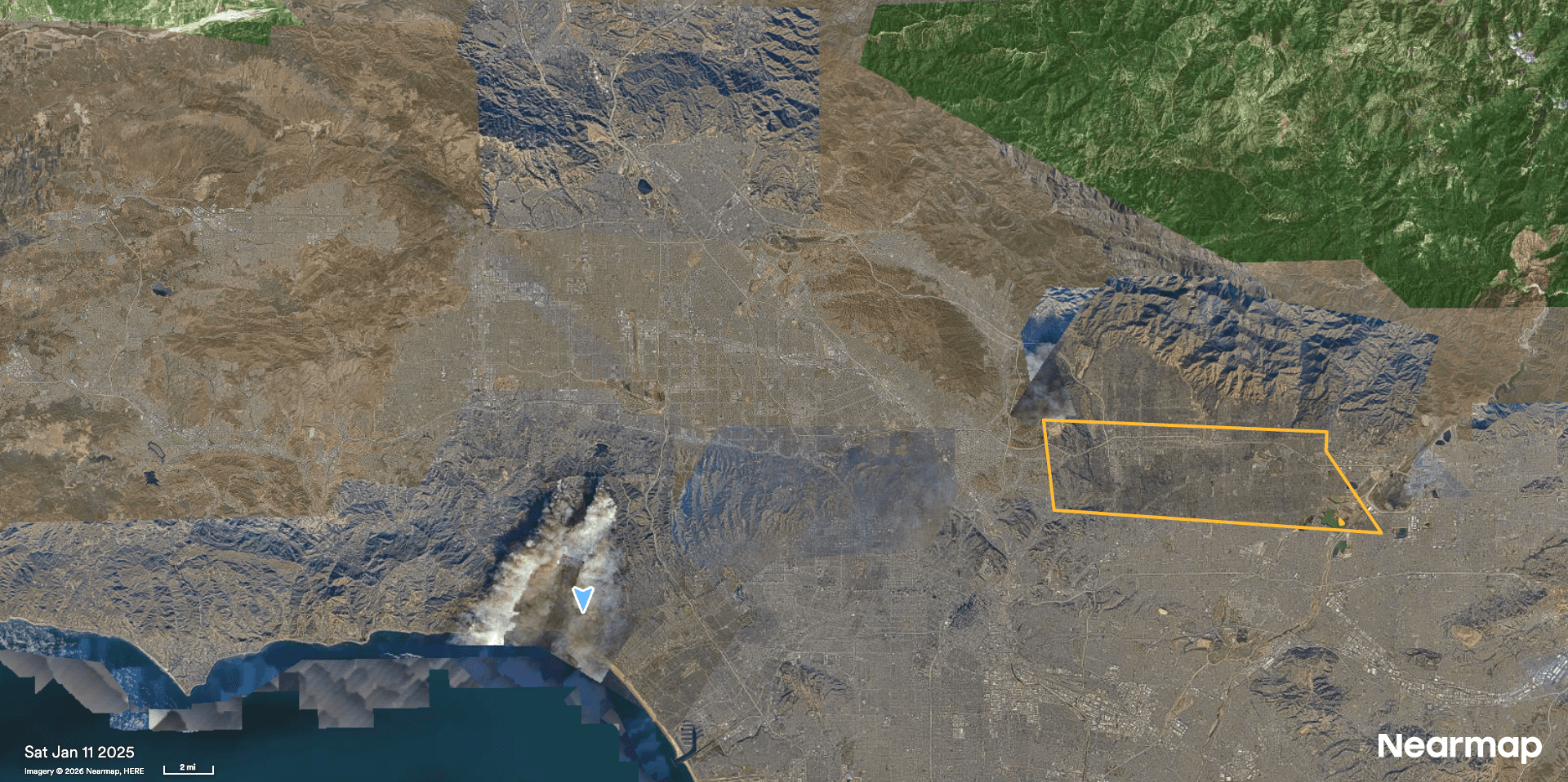
Too many captures, no clarity: A single disaster could generate 5–30 aerial flights, each a separate timeline entry. No grouping, no default, no total coverage view.
Business constraints and product positioning
ImpactResponse in MapBrowser couldn’t be designed as a standalone catastrophe-response product. It had to fit within MapBrowser’s existing workflows while staying clearly complementary to Nearmap’s dedicated ImpactResponse System.
Respecting the role of the standalone product

ImpactResponse in MapBrowser
Lighter version of ImpactResponse System that works seamlessly within MapBrowser

ImpactResponse System
Dedicated catastrophe response workflow tool
Making the experience feel native to MapBrowser
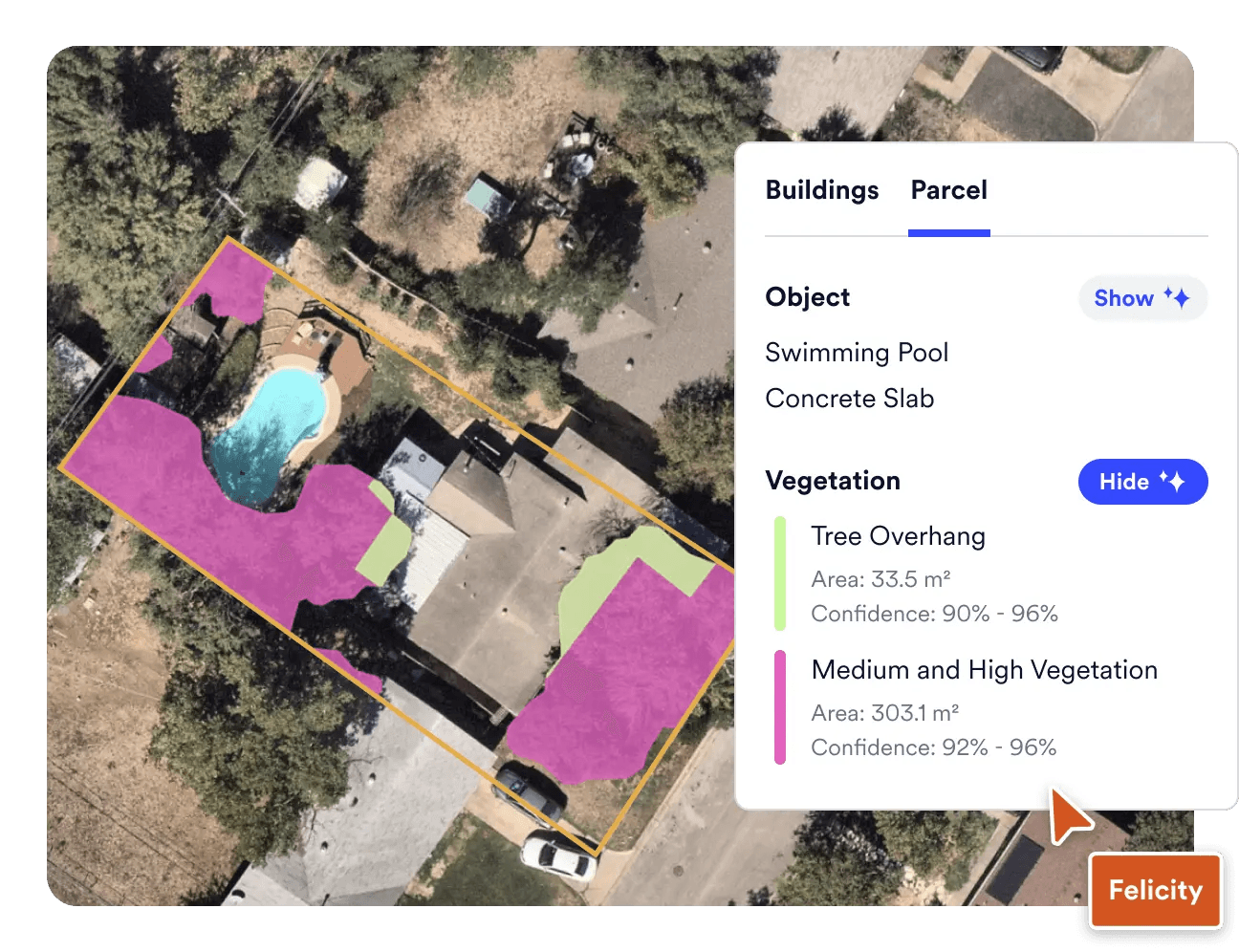
The redesign had to build on MapBrowser’s familiar map canvas, controls, and workflows - not introduce a separate interaction model.
The final redesign
The final redesign focused on three moments in the workflow: getting users into the right event faster, making multi-survey coverage easier to understand, and surfacing AI damage assessment in a way users could actually trust and use.
Finding an event became a first step, not a workaround
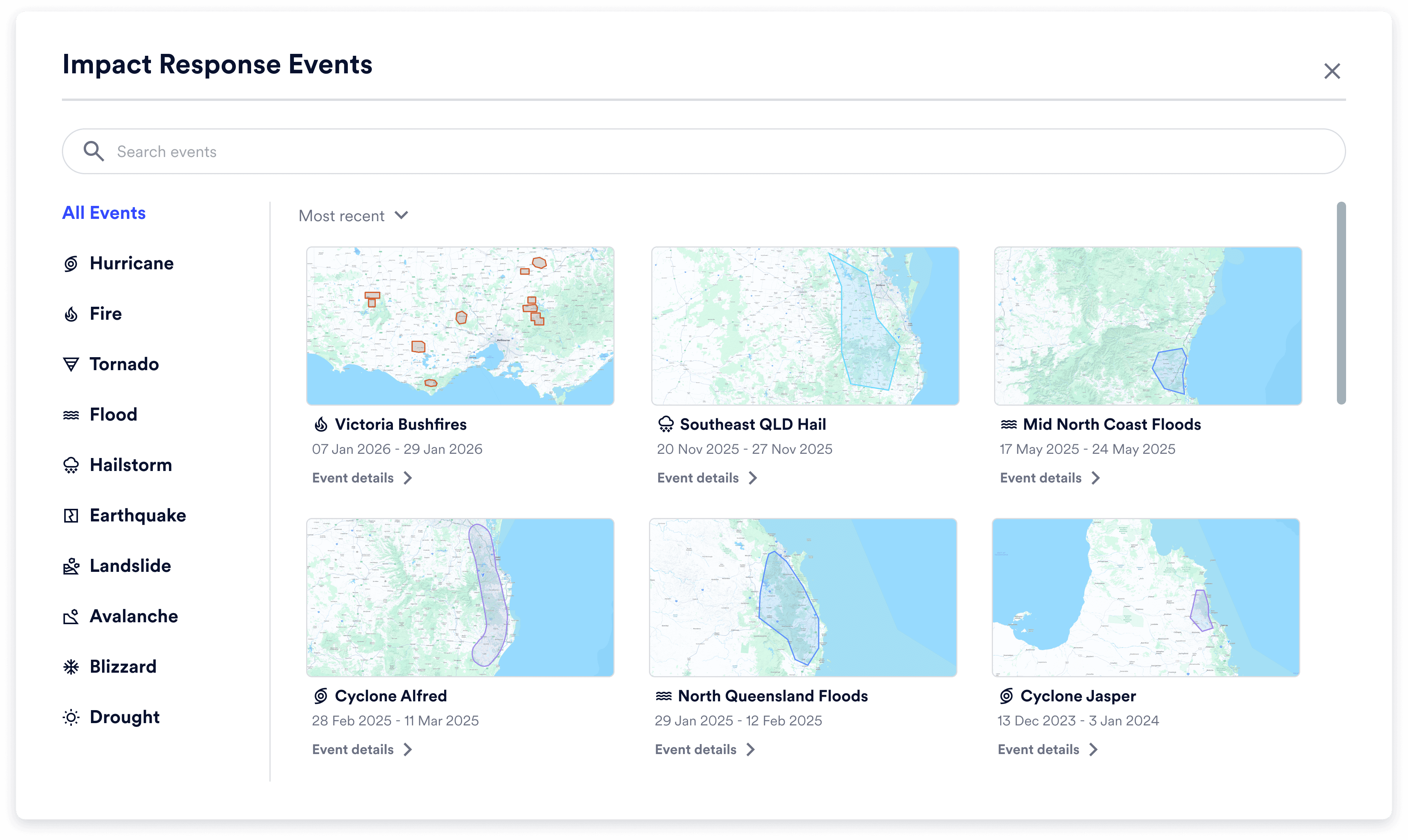
I designed a new event index in MapBrowser’s sidebar, letting users search, browse, and filter catastrophe events directly in the product. Selecting an event moved the map to its footprint and opened key details, giving adjusters and government users a faster starting point for assessing impact.
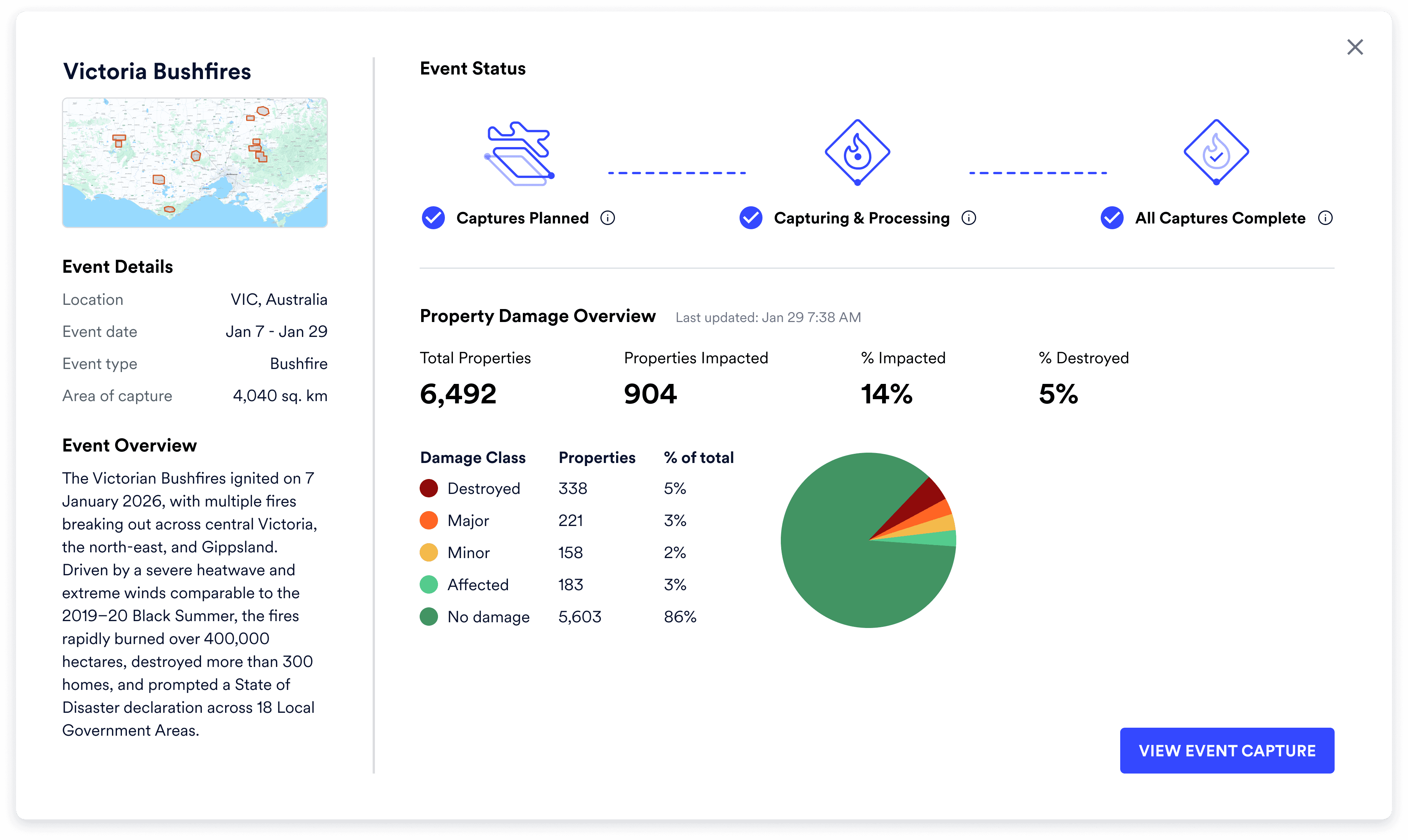
One event replaced a confusing list of surveys
I introduced a master footprint as the default view for each catastrophe event, giving users one clear geographic overview while still letting them drill into individual surveys when needed.

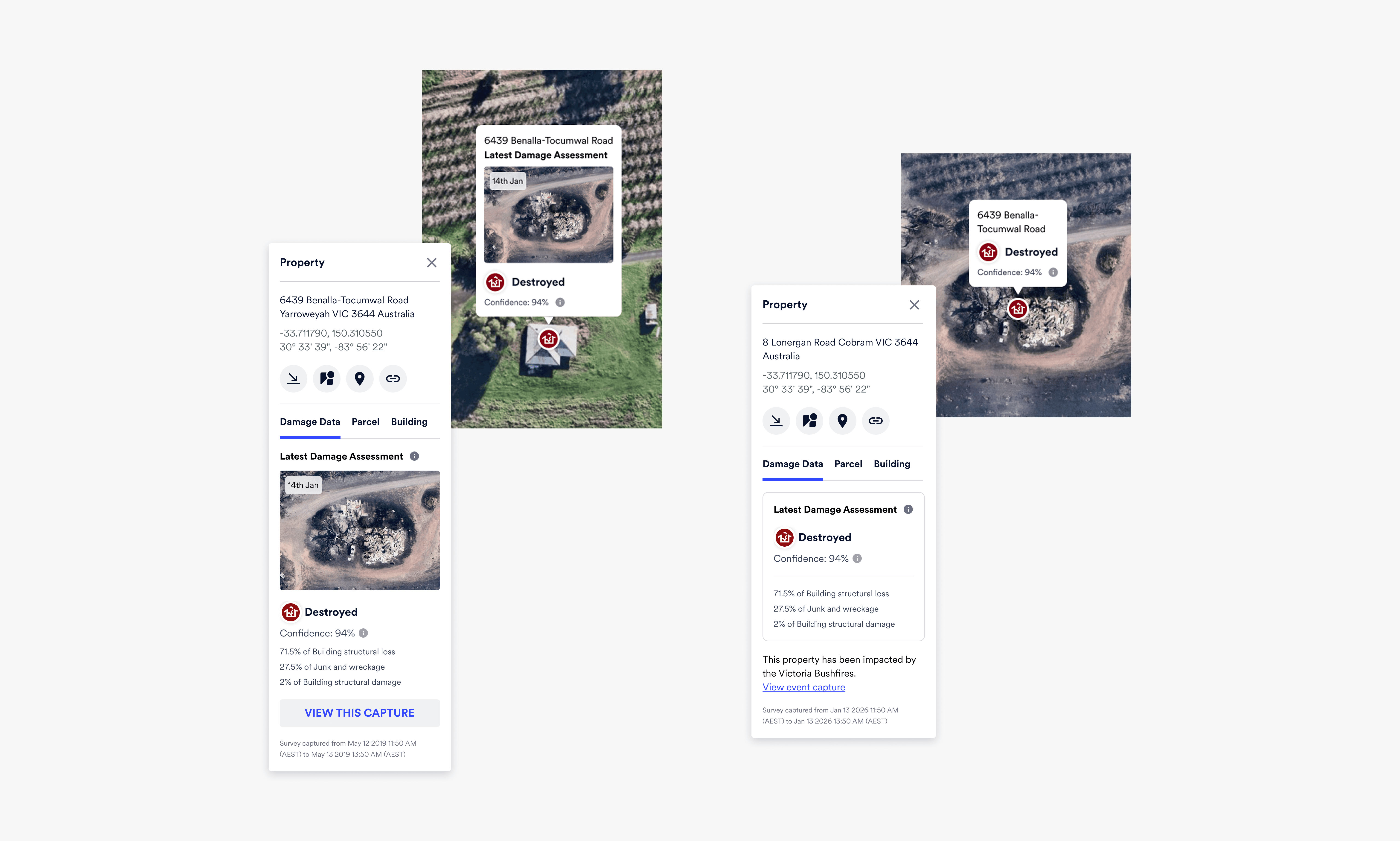
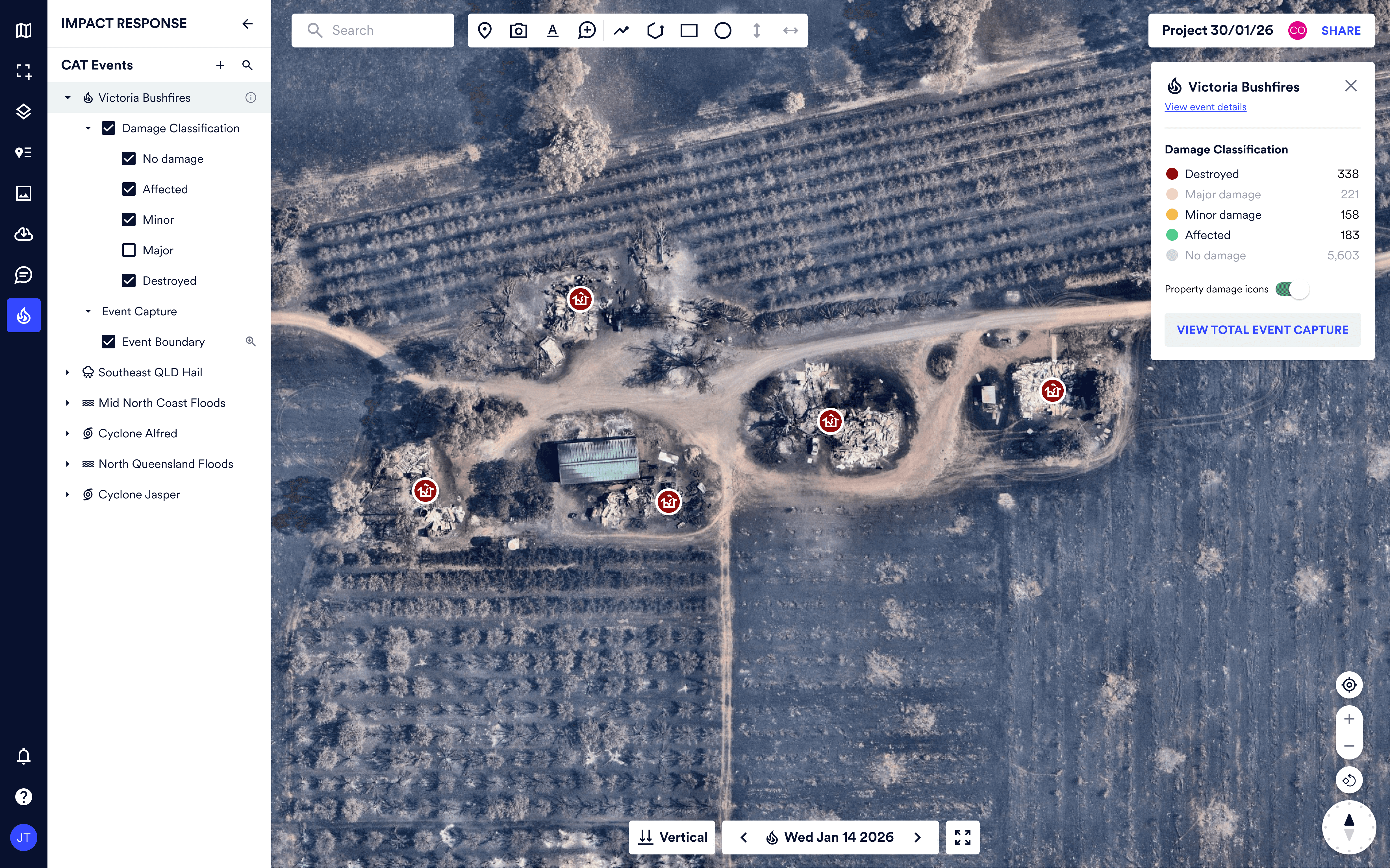
AI damage classification became visible and usable
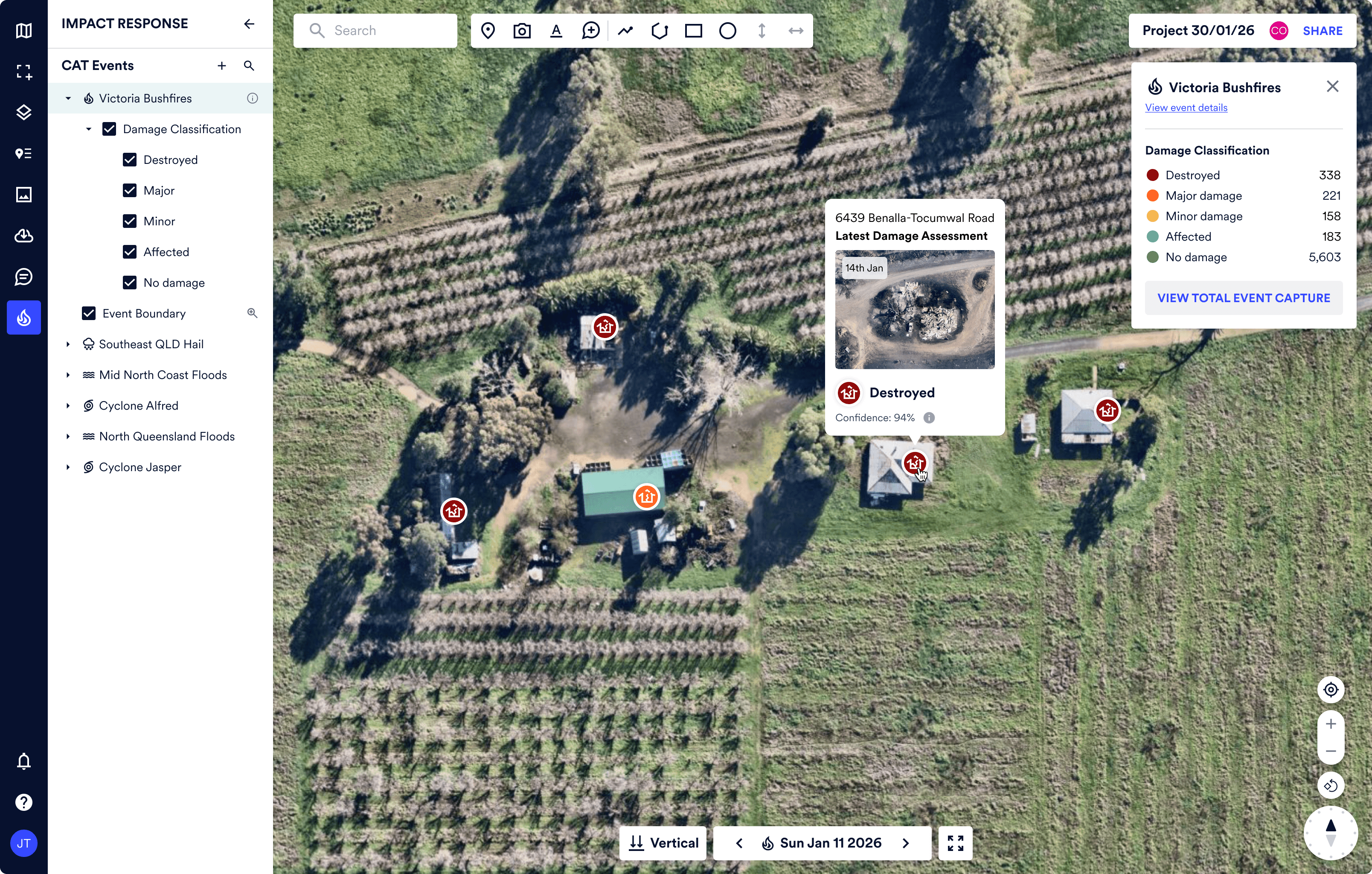
I surfaced AI damage classifications through a colour-coded map overlay, supported by confidence details and before/after imagery so users could quickly assess damage while still trusting the underlying evidence.